The studio
Browser mode or an external encoder. Camera, screen, or camera plus screen. Stream health, a relay watchdog, and a preflight list so you never go live to a black screen.

A broadcast studio that runs in a browser tab. Camera, mic, and screen share, overlays and reactions, viewer chat, recordings, and one stream delivered to your own live page and your social channels at the same time.
Pick a camera and mic, choose camera, screen share, or both, run the preflight checklist.
Watermark, lower third, title card, captions, a be-right-back screen, and a timer. Position and shape the camera window. Blur or replace your background.
The stream goes to your live page, and to YouTube, Facebook, LinkedIn, X, or a custom destination you toggled on. Viewers chat and react on your page.
Recordings are saved, listed on your live page for replay, transcribed, and exportable as video.
Browser mode or an external encoder. Camera, screen, or camera plus screen. Stream health, a relay watchdog, and a preflight list so you never go live to a black screen.
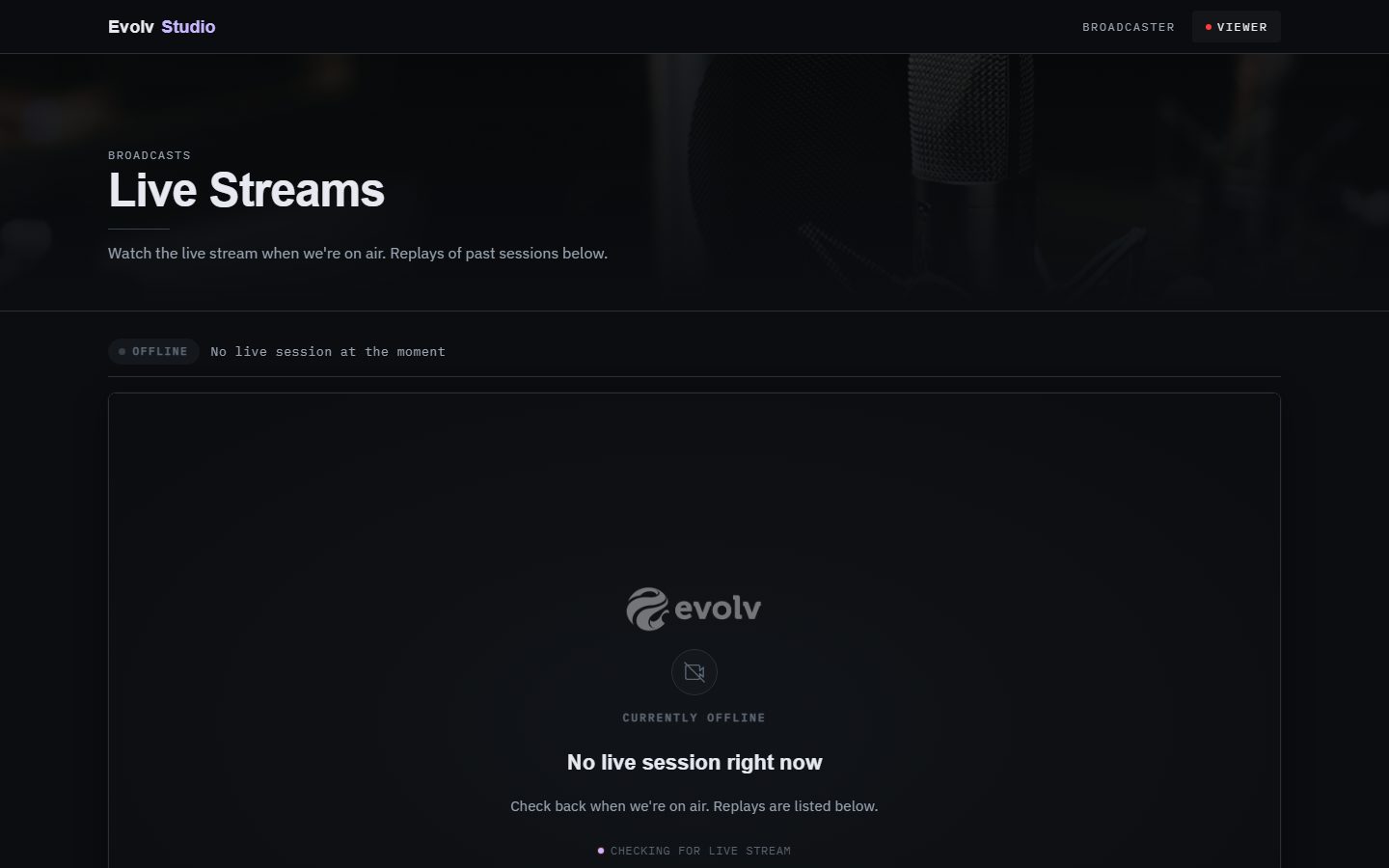
A page on your site with the live badge, the player, viewer count, chat, a subscribe box, and the recordings grid. When you are off air it says so and shows the replays.
Camera and mic selection, screen share, preflight checklist, stream health, go live and stop.
Watermark, lower thirds, title cards, captions, a be-right-back screen, and a timer, composited into the stream.
A camera window you can position, resize, or make circular. Blur or replace your background.
One-click animated reactions with sound. Viewer chat and a live viewer count on your live page.
Your website plus YouTube, Facebook page, group, or profile, LinkedIn, X, or a custom destination, all at once from one stream. An external encoder mode is available.
Record every broadcast, list past recordings on the live page, transcribe, and export video.
A voice co-host that joins the broadcast, and an interview mode with live captions.
A live page on your site with the live badge, player, chat, recordings, and a subscribe box.
The studio and the live page it broadcasts to, both running on the platform. Anyone who teaches, presents, interviews, or hosts.
No. Everything runs in the browser. If you already use an encoder, there is a mode for that.
An AI co-host can join by voice, and an interview mode runs a guided conversation with live captions.
In your storage, listed on your live page, with transcription and video export from the studio.
Sold on its own and added to the site you already have, or switched on as part of the platform. Set up by us, run by you. Tell us about your business and we will come back with a real proposal.

Customers book and pay for time with you, on your site.

Sell tickets, register attendees, check them in at the door.

Products, cart, checkout, orders, on your website.

A business line that shows you which marketing made it ring.

A real office phone on your tracked business line.

Answers questions on your site, by text or by voice, from your own content.

Every form, every call, every text, in one place.

Spend, clicks, leads, and cost per lead, per channel, from your own data.